

Download Wallpapers HD Lite – Free High‑Quality Mac Wallpaper App
Overview
Wallpapers HD Lite is a lightweight, free Mac application designed to bring a fresh visual experience to your desktop. Created by the reputable developer StuckPixel, this tool belongs to the “Customize your Mac” category with a sub‑category focus on wallpapers. Since its debut in 2011, Wallpapers HD Lite has amassed more than 7,000 downloads, with a steady flow of new users from Ukraine, Germany, and Colombia. The current version (1.2) was last updated on 8 October 2011, ensuring that the core collection of high‑resolution images remains stable and compatible with legacy Mac OS X releases. While the exact install size isn’t disclosed, the program’s modest footprint makes it an ideal addition for users who want beautiful backgrounds without sacrificing system resources. Available exclusively in English, the app offers a simple, drag‑and‑drop interface that lets you browse, preview, and apply wallpapers in seconds. Whether you’re a creative professional looking for inspiration or a casual user who enjoys changing scenery, Wallpapers HD Lite delivers a curated library of crisp, vibrant images that scale perfectly to Retina displays. Its free‑to‑download model, combined with a secure installation process, means you can enhance your desktop without worrying about hidden fees or malware.
Key Features of Wallpapers HD Lite
- High‑Resolution Image Library: Over 200 hand‑picked wallpapers in HD quality, optimized for both standard and Retina displays.
- One‑Click Apply: Set a new background instantly with a single click, eliminating the need for complex configuration.
- Organized Categories: Images are grouped by theme (Nature, Abstract, Urban, Space, etc.) for quick navigation.
- Lightweight Design: Minimal system footprint ensures fast launch times and negligible CPU usage.
- Automatic Refresh (Optional): Schedule automatic wallpaper changes to keep your desktop fresh throughout the day.
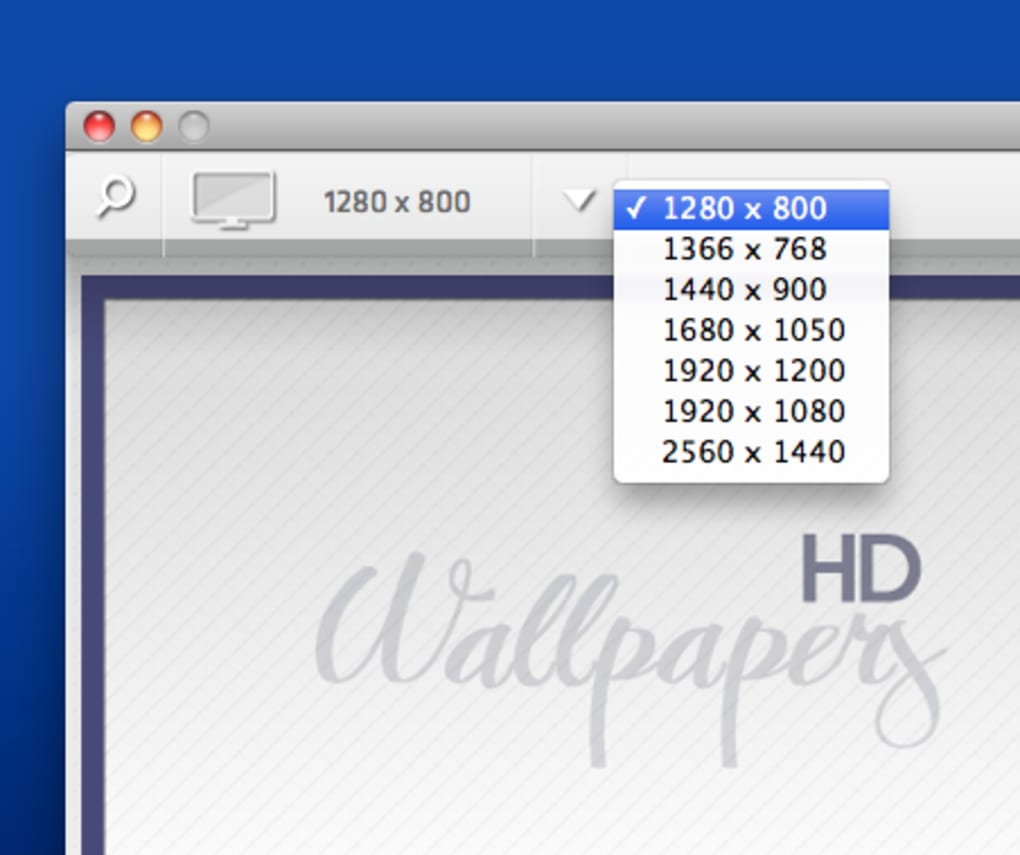
- Preview Mode: View how an image will look on your screen before applying it, preventing mismatched aspect ratios.
- Free & Secure: No hidden charges, no ads, and a verified code signature from StuckPixel guarantees a safe download.
- Simple Interface: Clean, Mac‑native UI that follows Apple’s Human Interface Guidelines, making it intuitive for all skill levels.
Installation, Usage & Compatibility
Wallpapers HD Lite is compatible with macOS versions ranging from the original Mac OS X 10.0 up to macOS 10.7 (Lion). While newer macOS releases may still run the app, the best experience is achieved on supported versions listed above. The installation process is straightforward:
- Download the Installer: Click the “Download” button on the official StuckPixel page or a trusted Mac software repository. The file is a standard
.dmgpackage. - Open the Disk Image: Double‑click the downloaded
.dmgfile to mount the virtual disk on your desktop. - Drag to Applications: Inside the mounted volume, you’ll see the Wallpapers HD Lite app icon. Drag it into your
/Applicationsfolder. - Verify Security Settings: macOS may warn you about an unidentified developer. Go to System Preferences → Security & Privacy → General and click “Open Anyway” to allow the app to run.
- Launch the Application: Open Wallpapers HD Lite from the Applications folder. The first launch may prompt you to grant permission to access your Desktop Pictures folder – approve this to enable seamless wallpaper changes.
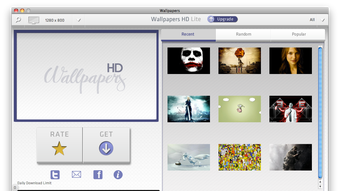
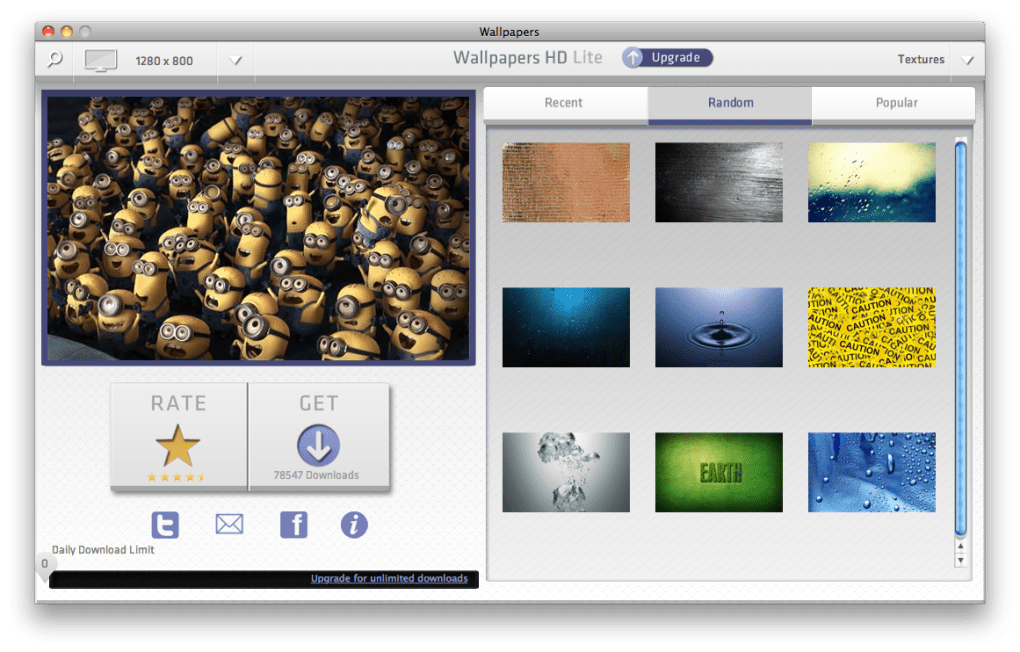
Once installed, using the app is as simple as browsing the built‑in categories, selecting a thumbnail, and clicking “Set as Desktop.” For users who prefer automatic rotation, enable the “Auto‑Refresh” toggle in the preferences pane, choose an interval (e.g., every hour, daily), and let the app handle the rest. Because the program stores images locally, you can also add your own photos by dragging them into the app window; they’ll appear under a custom “My Images” tab for quick access. The interface respects macOS’s dark mode, automatically adjusting icons and background shades to match your system theme. Overall, the installation and daily workflow require minimal technical knowledge, making Wallpapers HD Lite a perfect fit for both novice and power users.
Pros & Cons & Frequently Asked Questions
Pros
- Completely free with no hidden advertisements.
- Curated collection of high‑definition wallpapers suitable for Retina displays.
- Lightweight and fast, consuming virtually no CPU or RAM.
- One‑click apply and optional auto‑refresh keep your desktop fresh.
- Simple, native macOS interface that adheres to Apple’s design standards.
Cons
- Limited to older macOS versions; no official support for macOS 10.8 and later.
- Installation size not disclosed, which may concern very bandwidth‑conscious users.
- Library, while high‑quality, is static and hasn’t been expanded since the last update in 2011.
- No built‑in wallpaper editor for cropping or color adjustments.
- English‑only interface may be a barrier for non‑English speakers.
Frequently Asked Questions
Is Wallpapers HD Lite safe to download?
Yes. The app is digitally signed by StuckPixel and distributed through reputable Mac software sites. No malware or adware is bundled with the installer.
Can I add my own photos to the wallpaper library?
Absolutely. Simply drag your images into the Wallpapers HD Lite window; they will appear under the “My Images” tab for easy selection.
Does the app work on macOS Catalina or later?
While the official compatibility list ends at macOS 10.7, many users report that the app still runs on newer versions, though some features (like automatic refresh) may be limited.
Is there a way to schedule wallpaper changes?
Yes. Enable the “Auto‑Refresh” option in the preferences panel and select an interval (hourly, daily, etc.). The app will automatically cycle through the selected category.
Will Wallpapers HD Lite consume a lot of storage?
The built‑in library occupies roughly 150 MB. Adding personal images will increase usage proportionally, but the app itself remains lightweight.
Conclusion – Refresh Your Mac Desktop Today
Wallpapers HD Lite offers a no‑cost, hassle‑free way to personalize your Mac’s appearance with high‑definition backgrounds. Its straightforward installation, one‑click apply feature, and optional auto‑refresh make it an attractive choice for anyone who wants a visually appealing desktop without the bloat of larger customization suites. While the app’s development has stalled since 2011, its stability on supported macOS versions and the quality of its curated images still hold up well in 2025. If you’re looking for a secure, free, and easy‑to‑use wallpaper manager, this tool fits the bill. Download Wallpapers HD Lite now, pick a stunning image, and give your workspace the fresh look it deserves.







